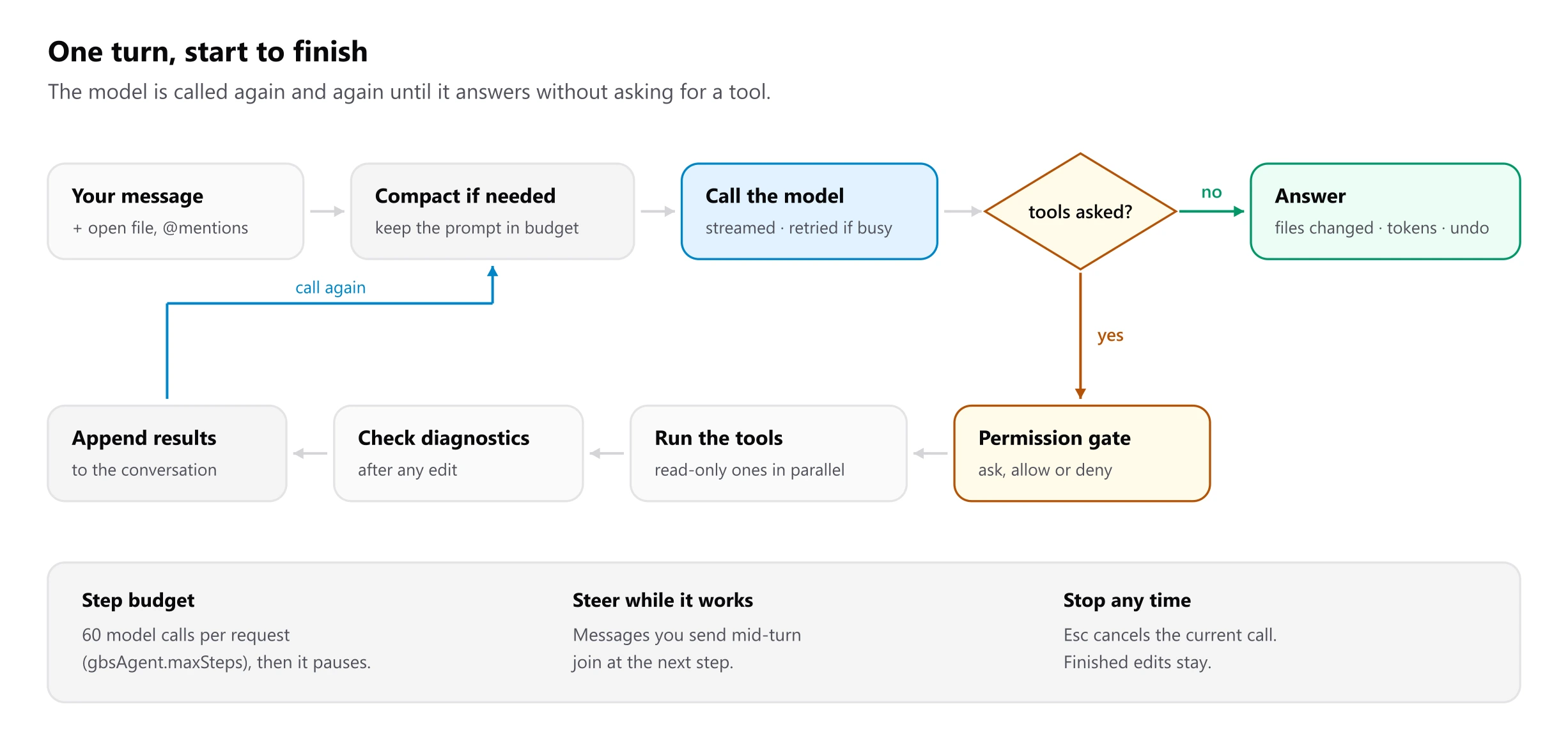
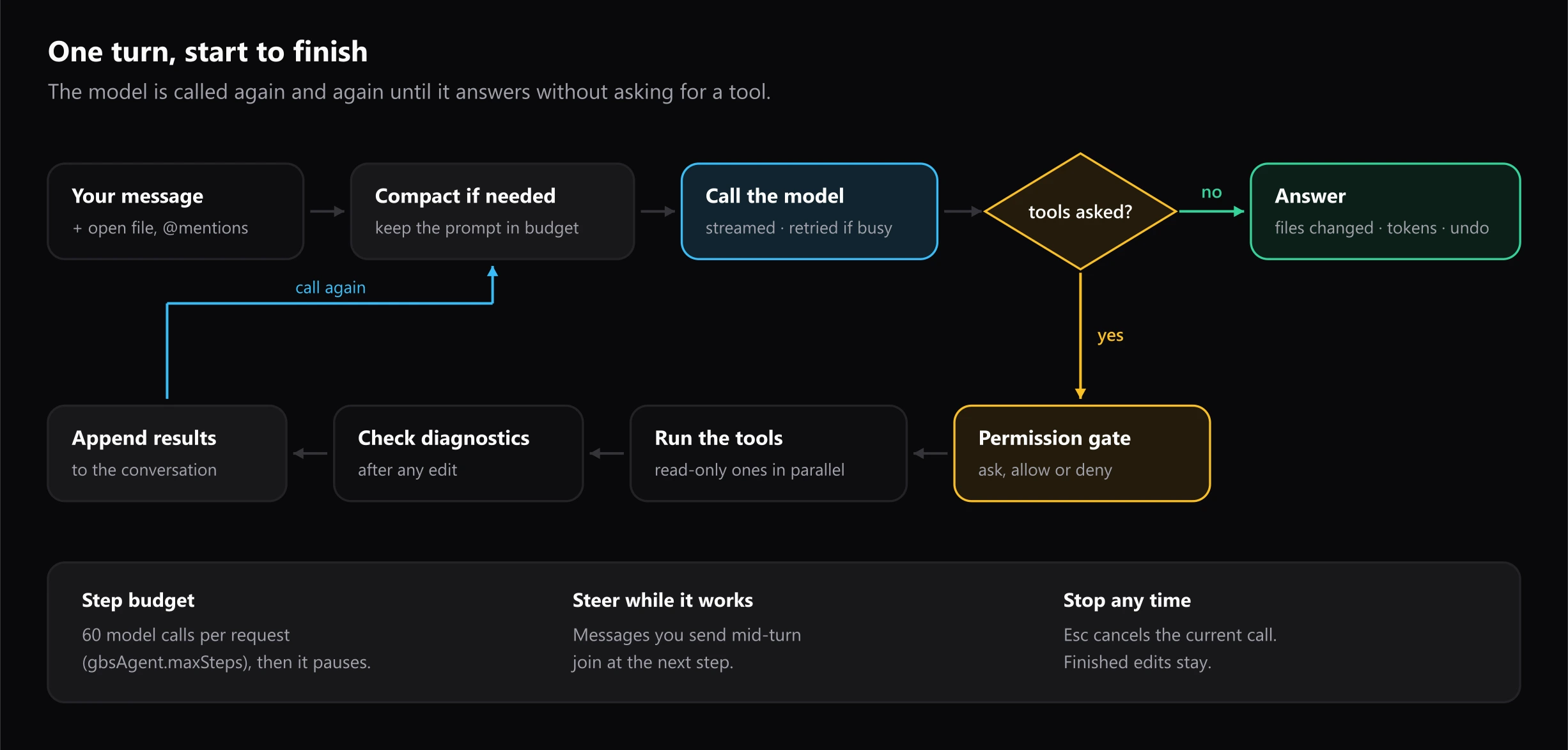
A turn is a loop, not a pipeline. The model is called again and again with a growing conversation until it answers without asking for a tool, or until the step budget runs out.
Scheduling tool calls
A model can ask for several tools in one response. The loop runs consecutive read-only calls in parallel and everything else one at a time, in the order requested, so a batch of reads costs one round trip while edits never race each other.
Before a call runs, the loop checks that it names a known tool, that its arguments are valid JSON and that required parameters are present. A bad call is answered with an error the model can act on, instead of ending the turn.
If the model makes the exact same call with the same result three times, one note is added asking it to change approach. That is the only anti-loop measure, and it costs nothing until it triggers.
The built-in tools
| Tool | What it does |
|---|---|
read_file | Line-numbered output, 1,000 lines by default with offset and limit, binary detection. Records the file's version for the edit guard. |
edit_file | Exact string replacement, tolerant of CRLF, with a near-miss hint on failure. Needs an up-to-date read. |
write_file | Create or overwrite. Overwriting needs an up-to-date read. |
grep | VS Code's bundled ripgrep, with a JavaScript fallback; matching files, lines or counts. |
glob | Finds files, skipping dependency and build folders; 200 results at most. |
list_dir | One folder level. |
run_command | A non-interactive shell with a timeout, live output, and the whole process tree stopped on timeout or Esc. |
todo_write | The task checklist above the input. |
task | Starts a subagent (below). |
skill | Loads a skill's instructions or one of its files. Present only when skills exist. |
MCP servers add their own tools, named mcp__<server>__<tool>. See
skills and MCP internals.
The edit guard
edit_file and write_file refuse to change a file the agent has not read,
or one that changed since it last read it. The agent has to look at the
current text before it touches it, so it never writes over your work in
progress. Files open in the editor are changed through the editor buffer, so
your undo history keeps working.
Checking its own work
After any edit, the loop waits briefly for language servers and adds the errors in the changed files to the tool results. The model sees a type error right away, without running a full build after every step; it runs builds and tests itself when they are warranted.
Subagents
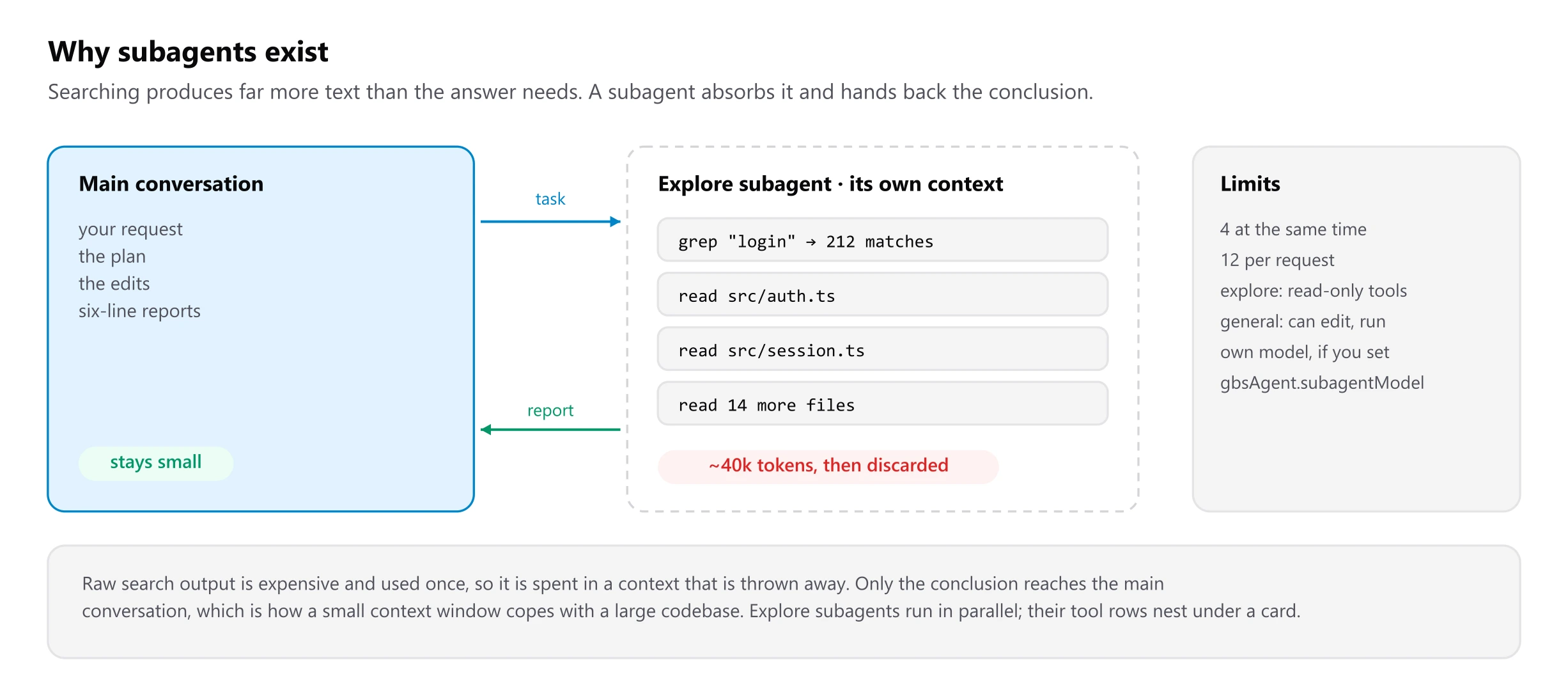
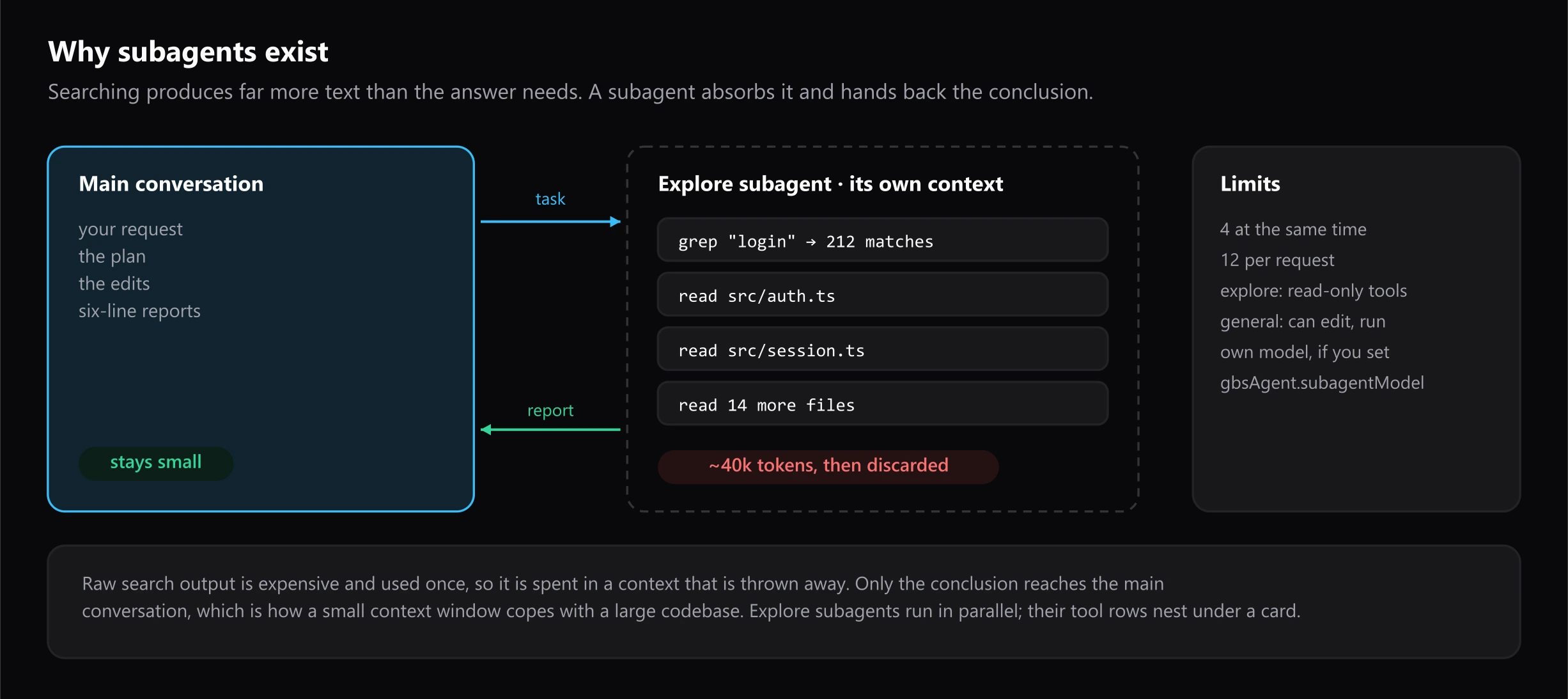
- Explore subagents get read-only tools and run in parallel. They are for questions such as "where is the session created, and who calls it?".
- General subagents can edit and run commands, for self-contained pieces of work.
- Their tool rows nest under an agent card in the transcript, and only the final report enters the main conversation.
gbsAgent.subagentModellets them use a smaller, faster model.
Long answers and stopping
If a response is cut off at the output limit, the loop asks the model to continue, up to two times. Esc cancels the request in flight, including a pending retry wait; edits already made stay, and any approval still waiting is treated as denied.